Thinking of switching your practice management system? Read this first
Switching practice management systems is one of those jobs that sits on the to-do list for months, sometimes years. You know your current system isn’t quite right, but the thought of moving everything across feels like more trouble than it’s worth. The good news is that switching is rarely as painful as people fear, as long as it’s done properly. Here’s what to think about before you make the move.
Signs it might be time to switch
Most practices don’t switch on a whim. Usually a few frustrations have been building up. You might recognise some of these: you’re doing things manually that the system should handle for you; features you need are missing and the company isn’t adding them; support is slow when something goes wrong; it doesn’t handle NDIS, Medicare or your billing the way you need; there’s no proper card-on-file or online payment option; or your team finds it clunky, so steps get skipped. If one or two sound familiar, it might just be a setup issue. If most of them do, it’s probably time to look at alternatives.
The good news: most of your data comes with you
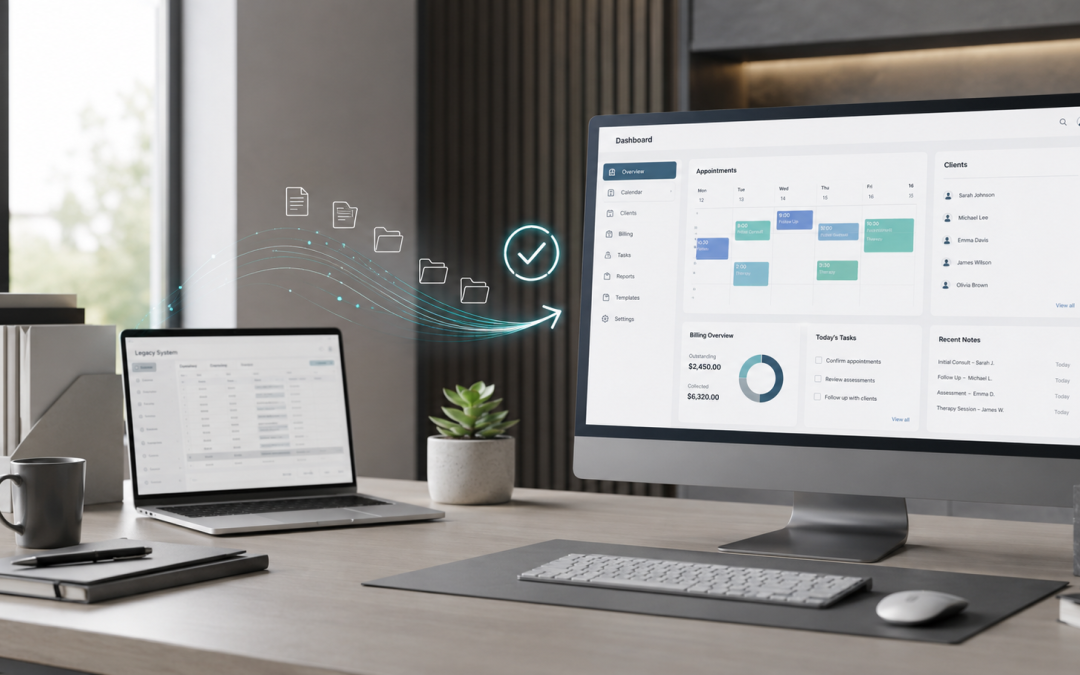
The biggest fear we hear is “I’ll lose all my data.” In reality, most modern systems import the essentials cleanly: client records, appointment history, treatment notes, communications, templates and documents. We’ve moved practices across and had everything land where it should, from appointments to notes to saved templates. The key is a proper import process, not copying things over by hand.
The three things people worry about, and how to avoid them
Losing data is avoided by exporting and backing up everything before you start, and using the new system’s proper import tools rather than manual entry. Downtime is avoided by planning the switch around a quieter period and setting the new system up in the background before you go live, so there’s no gap where you can’t book or bill. Retraining the team is avoided by getting the new system configured properly first, then walking everyone through the workflows they’ll actually use, rather than leaving them to figure it out.
A quick pre-switch checklist
Before you move, it pays to back up and export all your data from the current system; clean up your data first, since old records, duplicates and formatting are much easier to fix before the move than after; list the workflows and automations you rely on so they get rebuilt; note any integrations you use, like Xero, HICAPS or payment tools, so they’re reconnected; and decide on a go-live date that works around your calendar.
How long does it take?
It depends on the size of your practice and how clean your data is, but a well-run migration is usually a lot quicker than you think. The bulk of the work is in the preparation and configuration, which is exactly the part worth getting right.
Doing it yourself, or getting help
You can absolutely do it yourself, and plenty of practices do. But if the idea of migrating and reconfiguring everything is what’s been holding you back, that’s exactly the kind of thing we take off your hands. We set up and configure practice management systems for mental health and allied health practices across Australia and New Zealand, including Halaxy, Cliniko, Zanda, Splose and more, and we make sure everything is configured properly from day one, including for the new NDIS pricing and line items.
Free, no obligation. We’re so confident you’ll love working with us that you don’t have to commit long-term to find out. Try us for three months, and if you’re happy, we’ll set up a 12-month agreement from there.